


What '70% Automation' Actually Means
Fully Automated Tasks
Run completely on autopilot with zero human involvement. Examples: automated FAQ replies, scheduled social posts, invoice data extraction, support ticket routing, and appointment reminders.
Semi-Automated Tasks
AI does the heavy lifting; a human does a quick review before final execution. Examples: AI drafts customer emails → agent reviews and sends. AI scores leads → rep prioritizes.
AI-Assisted Tasks
AI accelerates work but doesn't fully replace human effort — like a smart assistant who prepares everything so you focus on decisions. Examples: lead scoring, suggested email responses, auto-populated CRM data.
1. Customer Support — 20–30% of Daily Operations

AI Chatbots & Auto-Replies
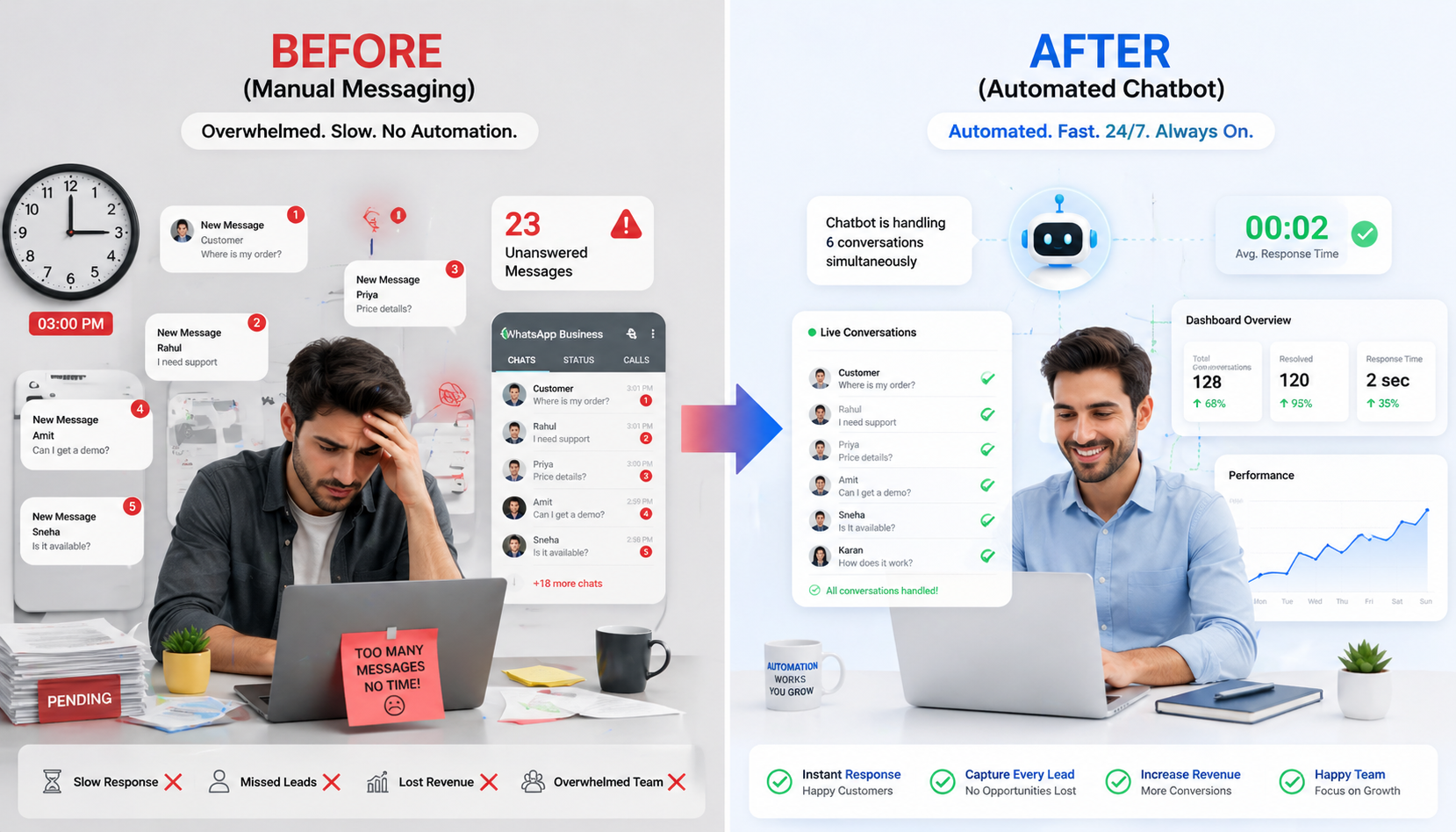
Handle 60–80% of customer inquiries automatically — FAQs, account info, order status, basic troubleshooting — without any human intervention.
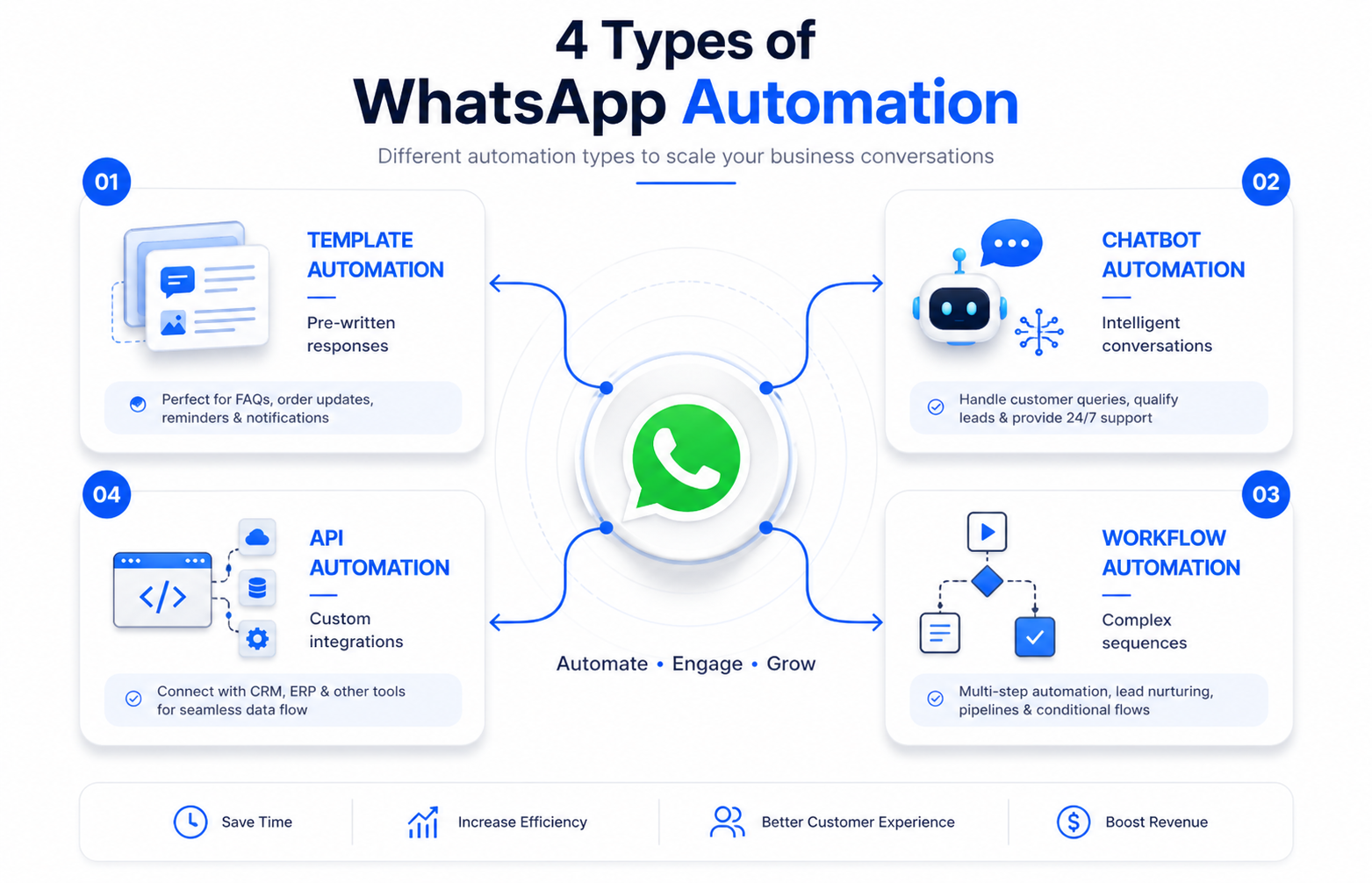
WhatsApp Automation
Auto-respond to common questions on WhatsApp, your customers' preferred channel, with instant personalized replies 24/7.
Intelligent Ticket Routing
Automatically direct complex issues to the right team member based on content analysis — no manual triage required.
24/7 Support Coverage
Customers get instant responses even outside business hours. Response times drop from 6 hours to under 2 minutes.
2. Marketing — 15–25% of Daily Operations

Content Generation
AI writes first drafts for emails, social media posts, ad copy, blog content, and landing pages in seconds. Marketers shift from drafting to strategy and brand positioning.
Audience Targeting & Ad Optimization
AI identifies high-value prospects automatically based on behavior and demographics. Bids, targeting, and creative adjust in real-time based on performance data — no manual campaign babysitting.
Social Media Scheduling
Auto-generate captions, schedule posts at optimal times, track engagement metrics, and surface insights automatically — your social presence runs on autopilot.
3. Sales — 20–30% of Daily Operations

Lead Scoring
Automatically identify which prospects are sales-ready based on engagement, behavior, and fit — so reps focus on the highest-value opportunities.
Automated Follow-Ups
Send follow-up emails on a schedule so no lead falls through the cracks. Customized sequences keep your brand top-of-mind across the entire sales funnel.
Meeting Scheduling
AI suggests meeting times and sends calendar invitations — eliminating back-and-forth emails and reducing time-to-meeting by days.
CRM Auto-Population
Auto-populate customer information from emails and calls directly into your CRM. Reps open their dashboard to fully updated records.
4. Operations — 15–20% of Daily Operations

Automated Data Entry & Invoice Processing
AI extracts and inputs data from invoices, forms, and documents automatically. Eliminate manual copy-paste entirely and cut processing time by 95%.
Report Generation & Expense Tracking
Automatically compile data into formatted reports (daily, weekly, monthly). Categorize and log expenses without manual data entry — your finance team reviews instead of inputs.
Workflow & Inventory Automation
Execute business processes (approvals, notifications, file organization) automatically. Track stock levels and auto-alert teams when supplies run low before stockouts happen.
5. HR & Recruitment — 10–15% of Daily Operations

Resume Screening: Automatically filter 200+ applications for required skills, experience, and fit — shortlist top candidates in minutes, not days.
Interview Scheduling: Coordinate calendars and schedule interviews without back-and-forth emails between HR, hiring managers, and candidates.
Onboarding Automation: Auto-generate and send new hire paperwork, assign training modules, and schedule orientation sessions automatically.
Employee Data Management: Organize and retrieve employee information automatically — no more hunting through spreadsheets and shared drives.
Performance Tracking: Summarize feedback and compile performance summaries without manual compilation — managers get instant context.
Real-World Examples: How Businesses Are Scaling Faster
Real-World Results
Key Benefits of AI Automation
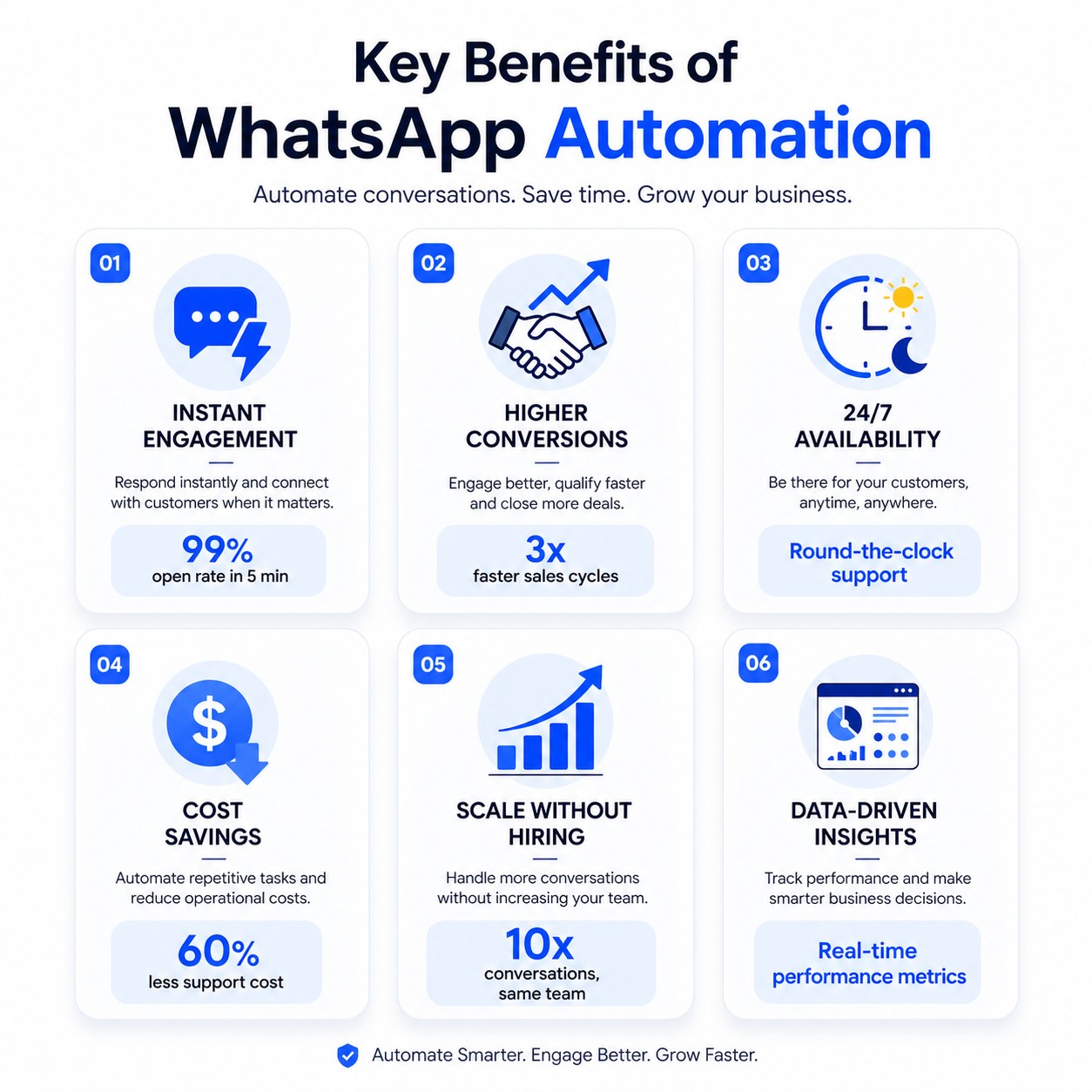
Time Savings — Reclaim 10–15 hrs/week
Equivalent to hiring 2–3 full-time employees — without the salary, benefits, or overhead. Your team's hours go back to high-impact work.
Cost Reduction — $100–500/month vs. $3,000–5,000/month
Most AI automation tools cost a fraction of one hire. ROI typically pays for itself in the first month through time savings alone.
99%+ Accuracy on Routine Tasks
AI doesn't get tired, distracted, or make careless mistakes. Automated processes consistently outperform manual work on accuracy.
24/7 Operations
Chatbots, automated emails, and scheduled workflows operate around the clock — weekends and holidays included. Your business works while you sleep.
10x Scalability Without 10x Headcount
Handle 10x the volume without proportionally increasing team size. Scale revenue without scaling payroll.
Improved Employee Satisfaction
Teams work on meaningful projects instead of repetitive busywork. Higher engagement, lower turnover, better work quality across the board.
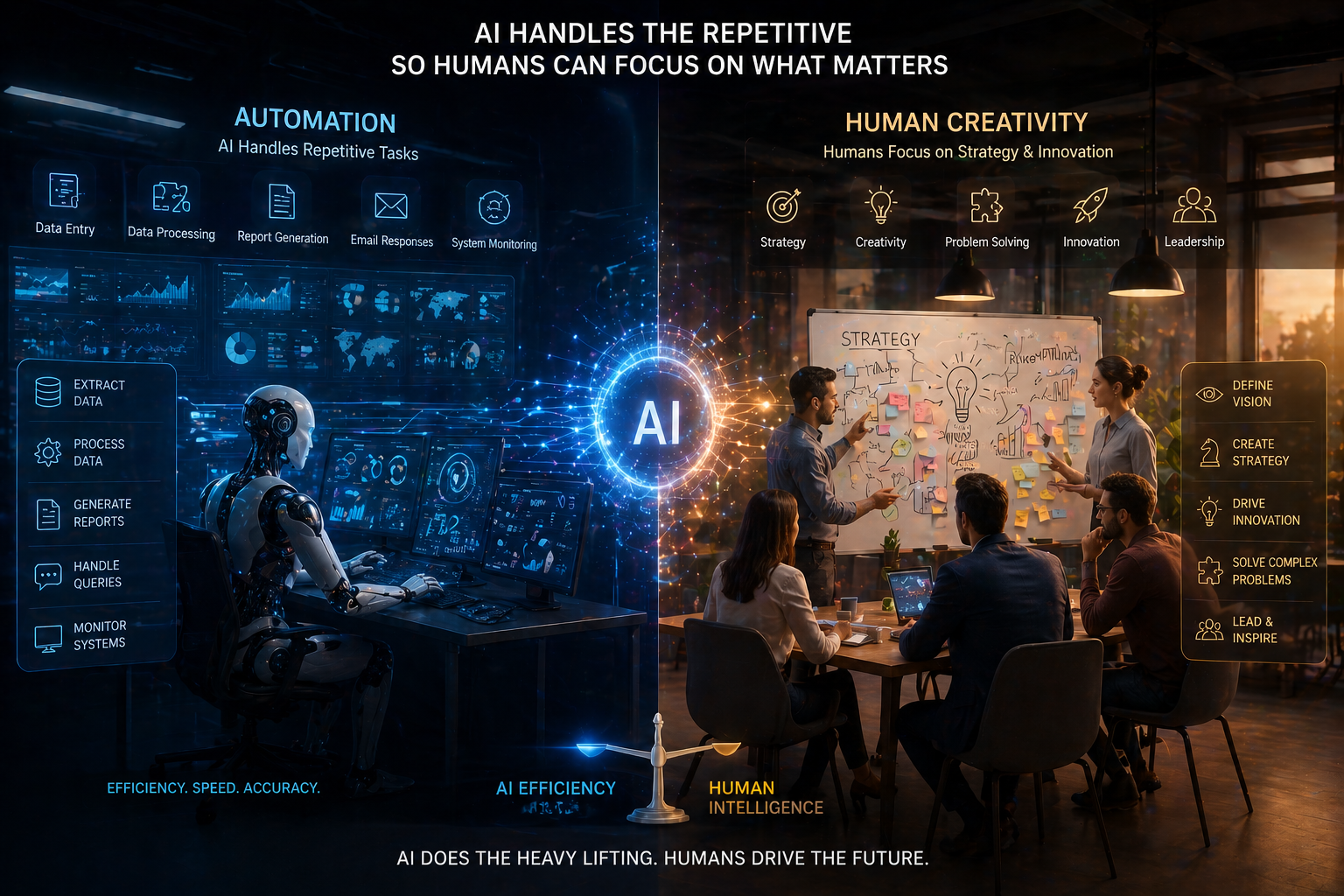
What AI Cannot (Yet) Replace — And Why This Matters
How to Start Using AI in Your Business: Step-by-Step
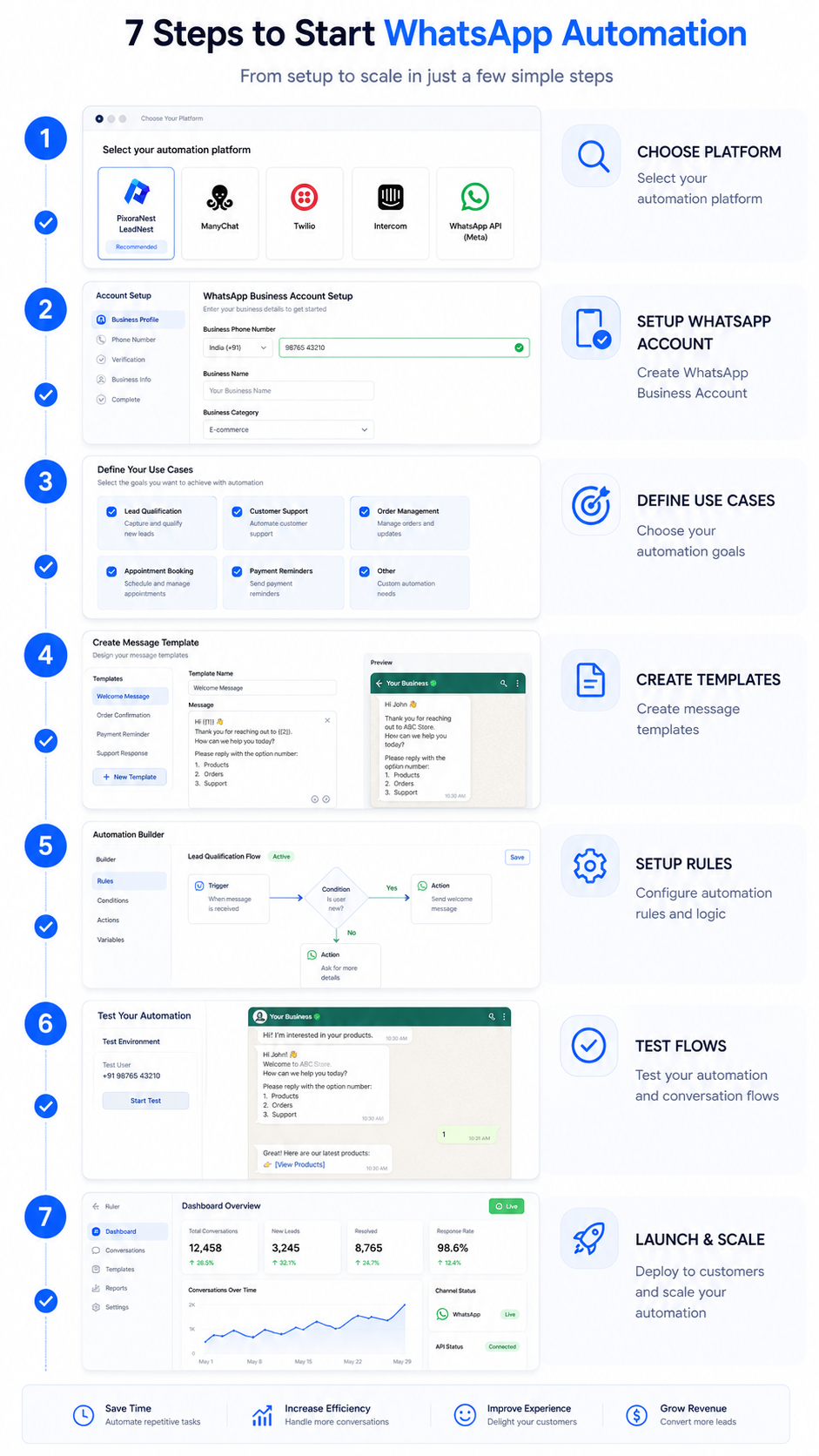
Step 1: Audit Your Workflow (1–2 hours)
List daily tasks your team does. Flag those that are repetitive, rule-based, high-volume, and low-decision. These are your automation targets.
Step 2: Identify Quick Wins (30 minutes)
Pick 2–3 high-impact, easy-to-automate areas: customer support replies, email follow-up sequences, social media scheduling, or data entry.
Step 3: Choose the Right Tools (1–2 hours)
You don't need expensive enterprise software. Start with one tool that addresses your biggest pain point — WhatsApp automation, CRM automation, or content AI.
Step 4: Run a Pilot (1–2 weeks)
Implement one automation in one department. Measure time saved, accuracy improvements, cost reductions, and user satisfaction. This proof-of-concept builds internal momentum.
Step 5: Train Your Team (1–2 hours per person)
Help your people understand how to work with AI outputs, when to override automation, and how to give feedback that improves accuracy over time.
Step 6: Scale & Optimize (Ongoing)
Once one automation proves value, expand to other departments. Continuously refine based on feedback and performance data.
Step 7: Integrate & Orchestrate (Advanced)
Connect AI tools across your stack — CRM, email, accounting, project management — to create seamless end-to-end workflows. Example: Lead → WhatsApp capture → scoring → routing → scheduling → CRM update. All automated.
Frequently Asked Questions
Explore PixoraNest AI Automation Services
Ready to automate your business with AI?
Join hundreds of Indian startups and small businesses using PixoraNest to automate WhatsApp, calls, and customer communication — and grow 3x faster.
Related Articles

LeadNest: WhatsApp Business Automation for Modern Businesses
Discover how LeadNest WhatsApp automation captures leads, automates conversations, and drives sales 24/7.
Read Article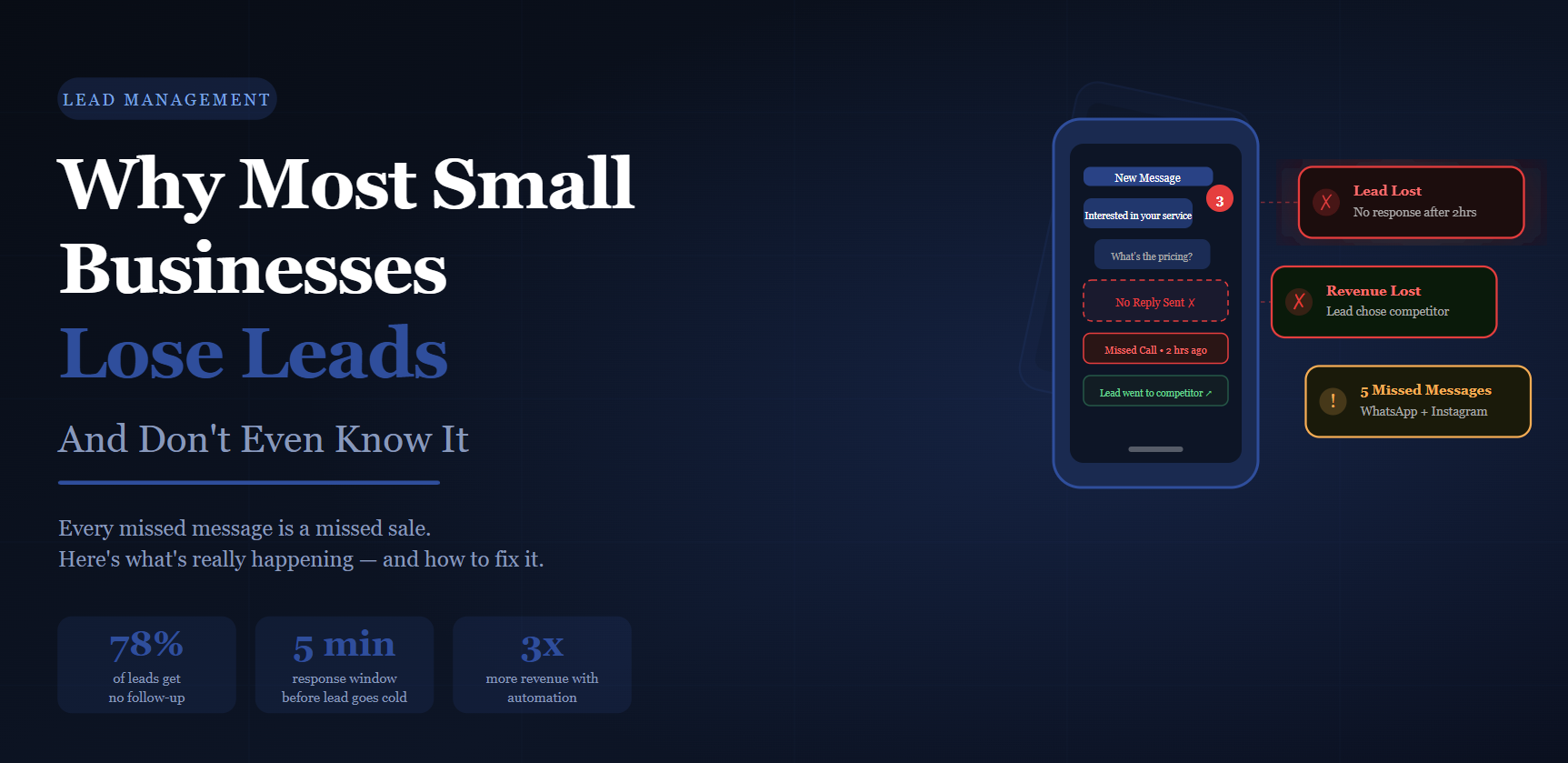
Why Most Small Businesses Lose Leads (And Don't Even Know It)
You're getting leads. But you're losing them silently. Here's why.
Read Article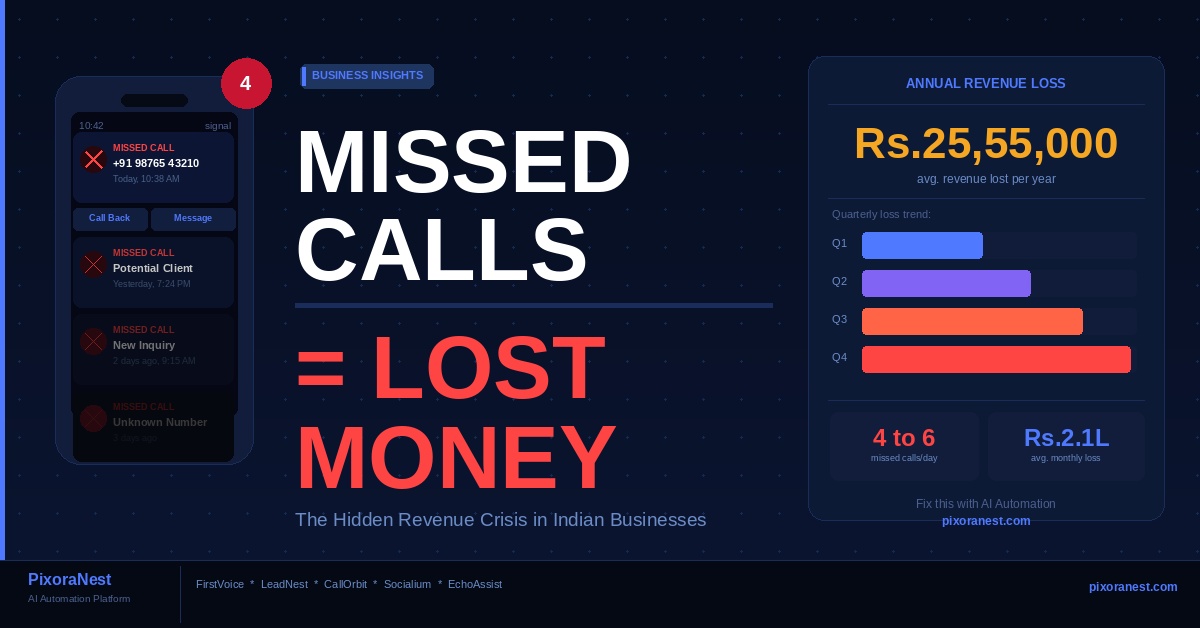
Missed Calls = Lost Money: The Hidden Problem Draining Indian Businesses Every Day
Every missed call is a missed sale. Discover how Indian businesses are losing revenue silently — and how AI can fix it.
Read Article